




DIY AI Landing Page in 10 Minutes

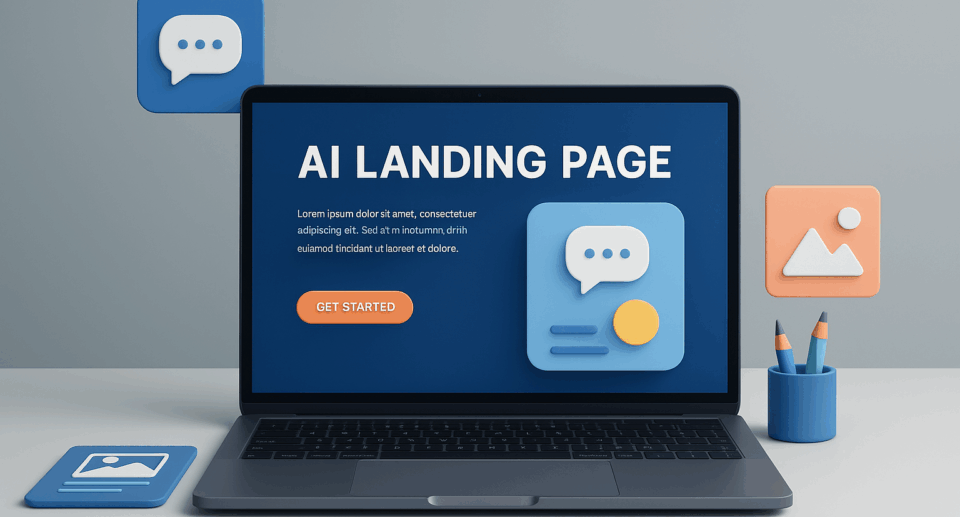
There’s no shortage of advice on building high-converting landing pages. There are even more tools.
However, most lean teams don’t have the luxury of spending days split-testing color schemes, fussing over wireframes, or debating H1 copy with four stakeholders.
You need fast, functional, and focused!
Enter the DIY AI-powered landing page.
It’s built in just minutes, not hours without a designer, dev, or a wasted budget.
Just a clear message, a sharp CTA, and an AI assistant that fills in the blanks based on your goals and audience.
This isn’t about settling for “good enough,” t’s about using AI to get 80% of the way there in 10 minutes—and giving you the space to iterate with real-world feedback instead of internal opinions.
Here’s how to do it.
Start with a Purpose, Not a Template
Before you touch a tool, define what the page is supposed to do. AI can give you structure, but it can’t clarify your business goal.
Ask yourself:
- Is this a lead magnet page?
- A webinar signup?
- A product launch or waitlist?
- A service explainer with a quote request?
Clarity here shapes every prompt and design decision that follows so don’t skip it!
Step 1: Generate the Copy with AI
Open ChatGPT (or your preferred AI tool) and feed it the basics. Your prompt should include:
- Who the page is for
- What you want them to do
- The core offer or value
- Your tone (e.g., direct, friendly, premium)
Example prompt:
“Write the copy for a landing page targeting startup founders looking for pitch deck redesign services. The CTA is to book a free consultation. Tone: clear, modern, trustworthy. Include a bold headline, subhead, short feature list, social proof, and a call to action.”
In seconds, you’ve got a full content draft: headline, benefits, CTA—all formatted in web-friendly blocks.
Want to refine it? Ask:
“Now rewrite the headline in five variations—make one bold, one playful, one minimalist.”
AI becomes your copywriter, strategist, and headline tester all in one.
Step 2: Design with a Landing Page Builder
With your copy in hand, open a no-code builder. Here are a few that are fast and intuitive:
- Carrd (lightweight, perfect for MVPs)
- Unbounce (built for conversions)
- Dorik (great for startups)
- Typedream or Framer (modern, aesthetic-driven design)
- Webflow AI (for more advanced customization, still no-code)
Choose a clean, single-column layout. Don’t overcomplicate. Paste your AI-generated copy block by block.
You’ll need:
- Hero section (headline + subhead + CTA)
- Benefit list (bullets or icons)
- Optional image or mockup
- Short social proof section (quote, rating, logo bar)
- Final CTA block
Use placeholders for now—logo, product images, testimonials. You can replace them later.
Step 3: Let AI Help with Visuals
Don’t have a designer? Use AI!
Try:
- Canva Magic Design: Paste your headline, let it generate visuals.
- Microsoft Designer: Auto-generates social preview graphics and section images.
- Pexels + RemoveBG: Find a clean stock image and remove distractions in seconds.
- Midjourney or DALL·E: Generate brand-style visuals for more custom design.
If your page needs a hero illustration, feed your product or audience description into an AI visual tool. Clean, branded images in under a minute.
Step 4: Add a Smart CTA Form
Every landing page needs a way to capture leads. Use built-in forms or embed one from:
- Tally (great for sleek, branded forms)
- Typeform (for more interactive flows)
- ConvertKit (if you’re also capturing email sequences)
Keep it minimal. Name, email, maybe one qualifier (company size, role). Connect the form to your CRM or a spreadsheet via Zapier.
Want an AI-powered touch?
Use a chatbot popup or welcome quiz instead of a static form.
Step 5: Launch and Iterate
Preview your page. Check it on mobile. Test the form. Then publish.
Don’t over-polish. Your job isn’t to create a “perfect” page—it’s to ship, test, and improve.
Once live, you can run:
- A/B tests on your headline (ask AI for 3 more)
- CTA variations (button text, color, placement)
- Microcopy updates (“Why now?” blurbs or urgency triggers)
You can also plug your landing page URL back into AI and prompt:
“Give me 5 ways to improve this page’s conversion rate based on current copy and layout.”
Now you’re optimizing with feedback, not guesswork.
In a world where speed matters, AI helps you close the gap between idea and execution.
Your landing page doesn’t need a branding agency.
It needs a clear message, fast validation, and a frictionless path to conversion.
That’s what AI delivers. Not just content, but confidence to move faster than you thought possible.
So next time you’re stalling on your next campaign, product launch, or service page, don’t overthink. Open your prompt, grab your builder, and let AI help you get live in 10 minutes.
You can always refine once the leads start coming in.